mi·do·naミ・ド・ナ

Home / Library / Help / Quickstart

Quickstart

Quickstart

mi·do·na needs a writer, a name, and a character. Free, and about five minutes.

Topic · Getting startedRead · 2 minUpdated · Aug 2026

1. The writer

  1. Make a free API key at openrouter.ai. An email is enough.
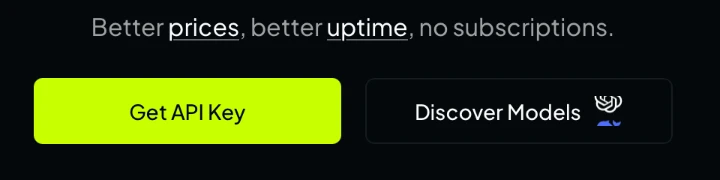
    The OpenRouter home page with its Get API Key button.
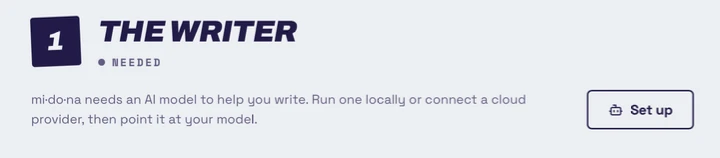
  2. Click Set up.

    Step one of story setup, The writer, marked needed, with a Set up button.
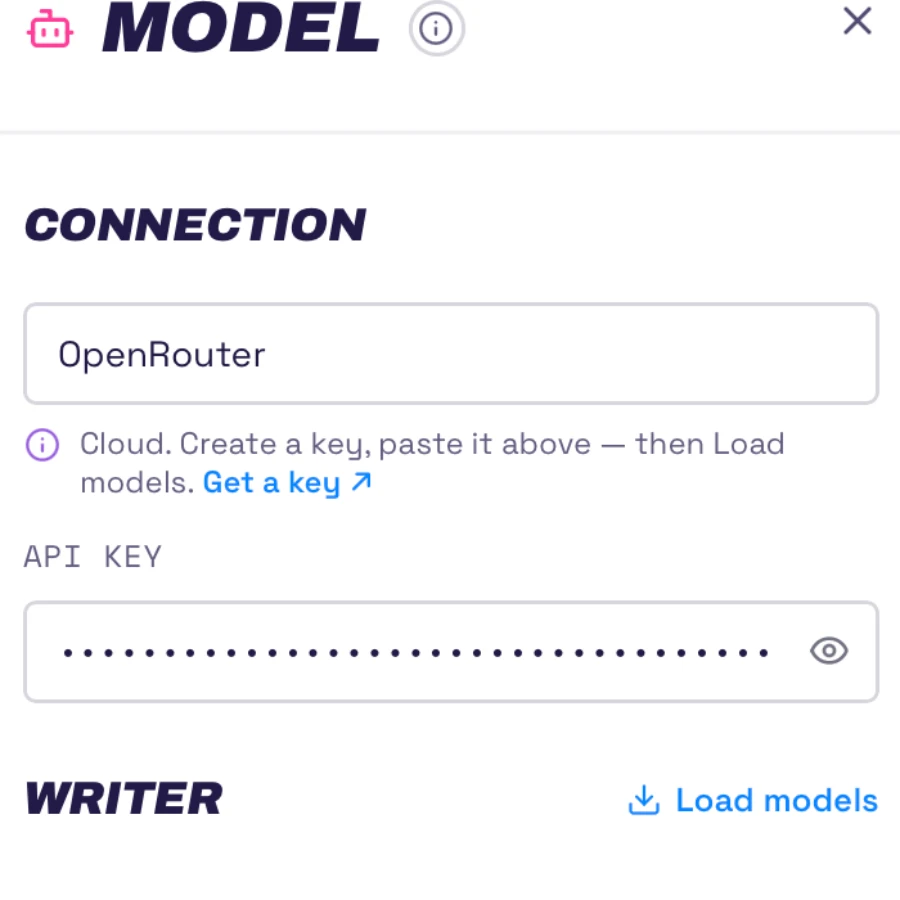
  3. Choose OpenRouter and paste your key.

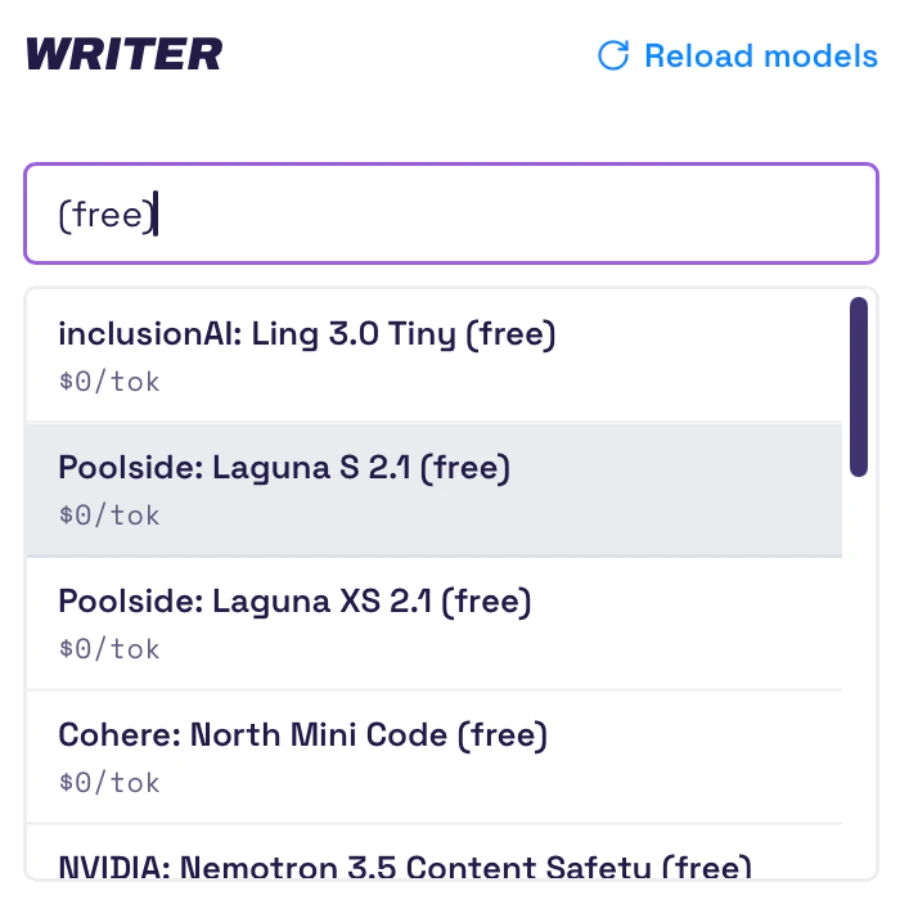
    Click Load models, type (free), and pick Poolside: Laguna S 2.1.

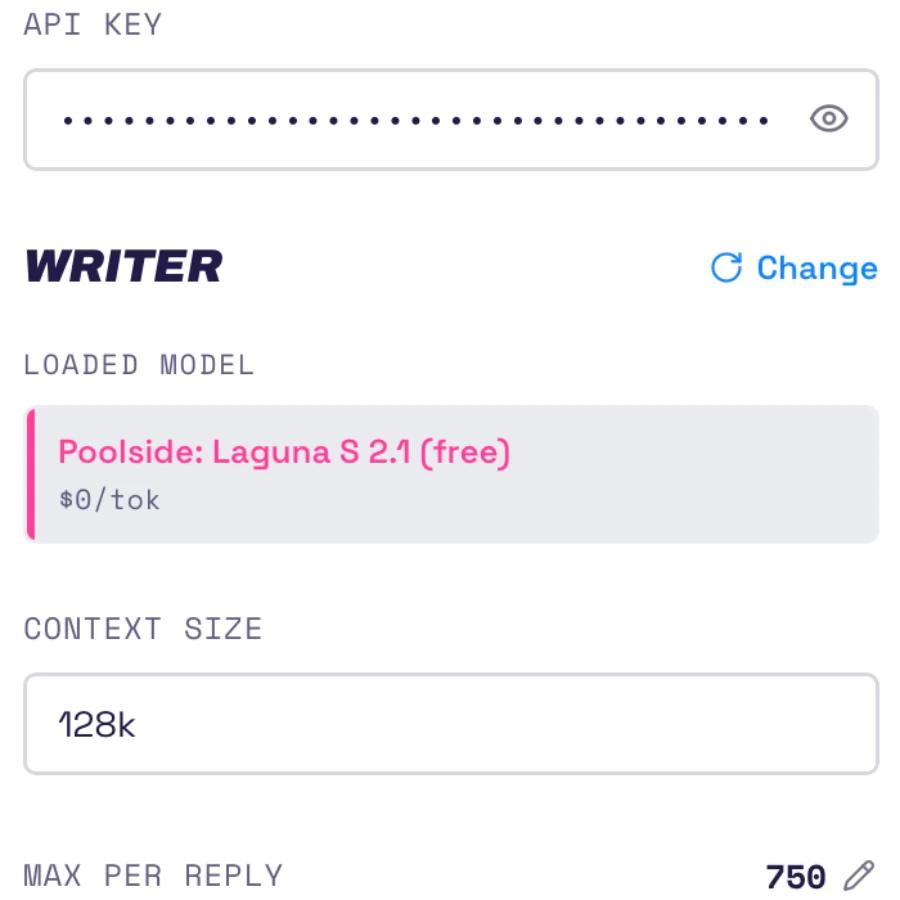
    Close the panel.

    The Model panel with OpenRouter chosen and a key pasted in.The model list filtered to free models, with Laguna S 2.1 highlighted.The Model panel showing Laguna S 2.1 loaded at zero cost per token.

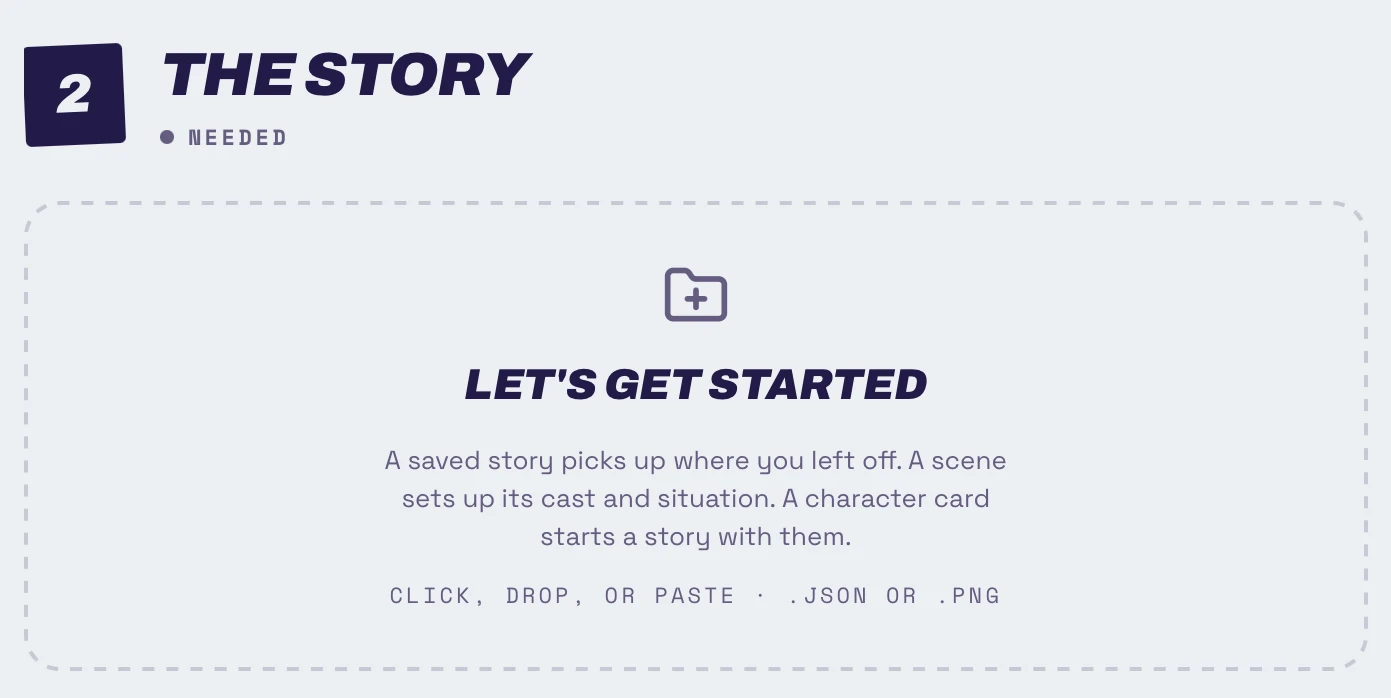
2. The story

Step two, The story, marked needed, with an empty drop zone reading Let's get started.
  1. Click the drop zone and choose a character.

    Enter the name you want to be called.

    Click Start story.
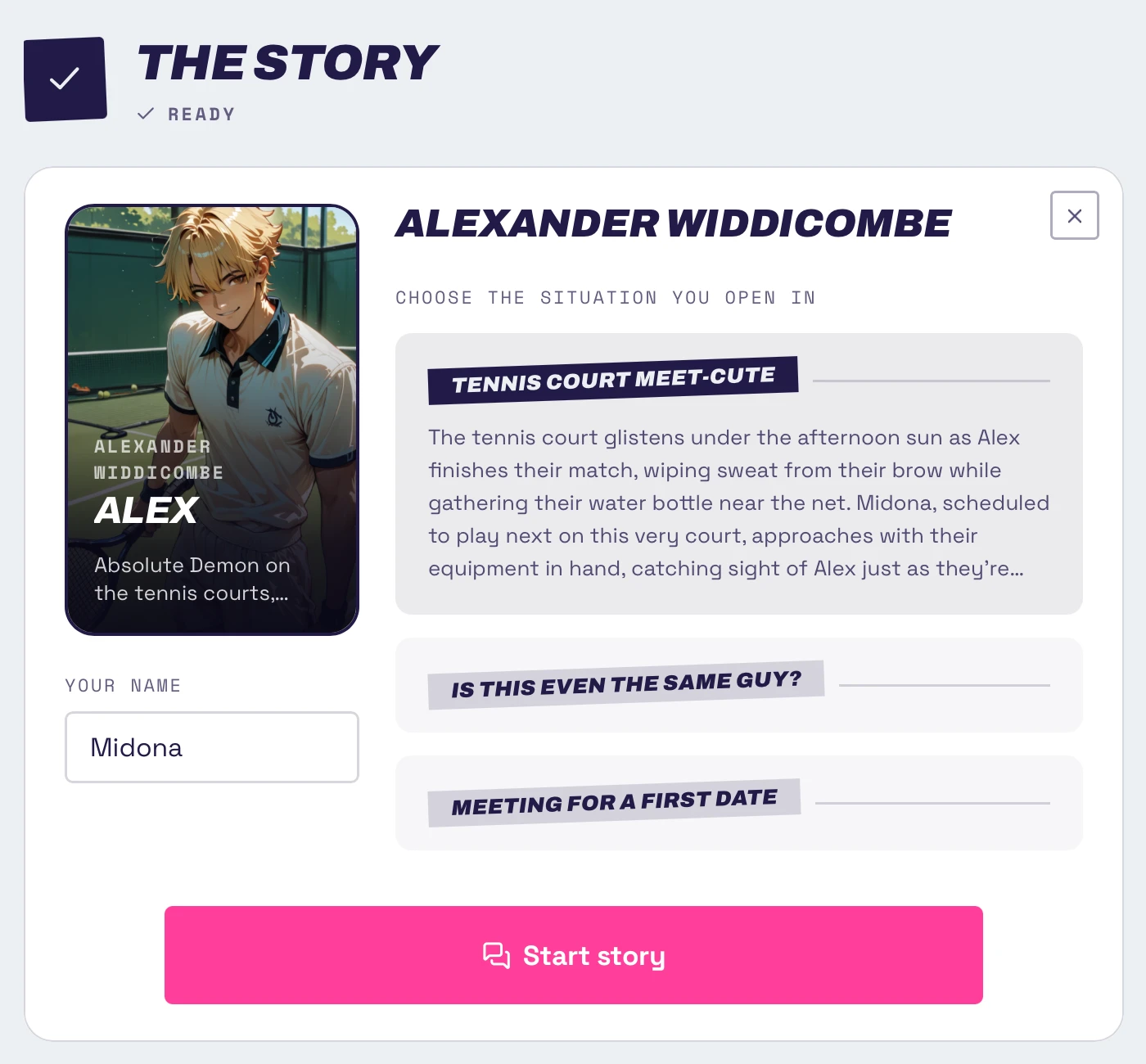
The character card open with a name field, three situations, and the Start story button.

3. Play

  1. Type a message and hit enter, or click the send button.

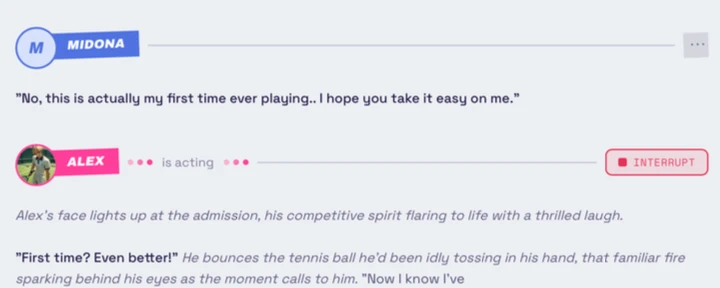
    The character writes back.
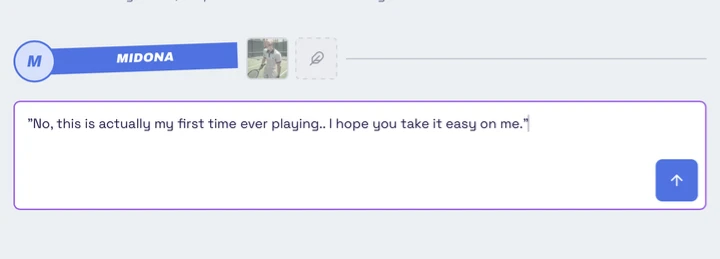
    A message typed into the composer, with the send button beside it.The character writing back in reply.

If you want to run a private model on your own machine instead, see

set up your model runner.